





For FREE KONTAKT Player | 2 Types of Mallets | 11 NKIs | 361 MB | Built-in Sequencer

- Perfect for Cinematic Magic to Lo-Fi Vibes
- Sublime Steel Tones with 2 Mallets
- Atmospheric Textures crafted from the Hapi samples
- Easily add Movement and Excitement to your music with Groovy presets
- Unlock your creativity with an intuitive User Interface
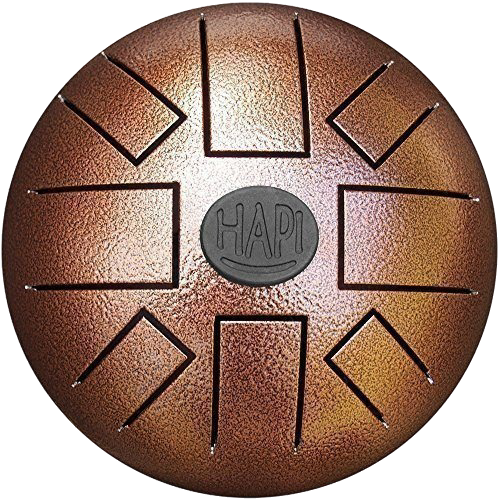
The EPS HAPI DRUM is a sample library by Edu Prado and Jan Pfitzer that explores and expands the possibilities of the HAPI Steel Tongue Drum.
Carefully sampled using two different mallets – a cork mallet and a rubber mallet – the EPS HAPI DRUM combines warm and beautiful steel tones with modern sound design, making it perfect for cinematic scores, ambient compositions, and experimental music all the way to pop and Lo-Fi productions.
Whether you're looking for authentic steel drum tones or atmospheric textures, this instrument is a steel.
The EPS HAPI DRUM comes with 11 NKIs, offering creative presets to get you started in no time. The user interface is designed to give you flexibility and control over your sound, letting your creativity take over.

Give it a listen:
Features
Two Types of Mallets: Includes samples captured with cork and rubber mallets, offering two distinct tonal palettes.
Expansive Presets: Comes with 11 unique .nki patches, featuring:
- Cork Mallet
- Rubber Mallet
- Brushed Arpeggio
- Soft and Dreamy
- Percussive and Playful
- In the Clouds
- Snappy Mallets
- Overflow
- Overtones
- Low Sinelike
- Pure Happiness
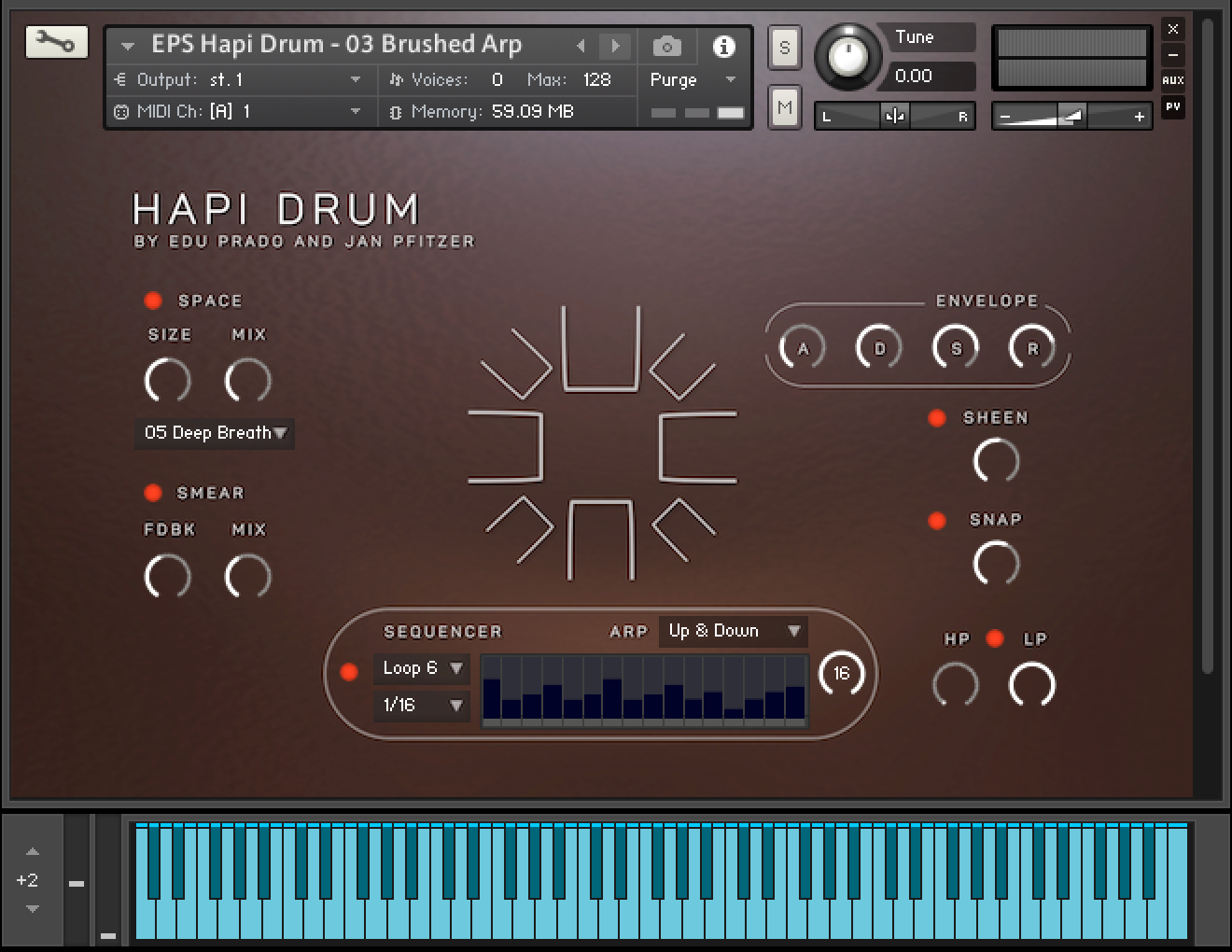
Built-in Sequencer: Add rhythmic complexity and movement effortlessly. Completely customizable by clicking on the sequencer bars, it also offers 10 groovy preset loops and 2 user slots, plus an Arpeggiator with multiple modes.
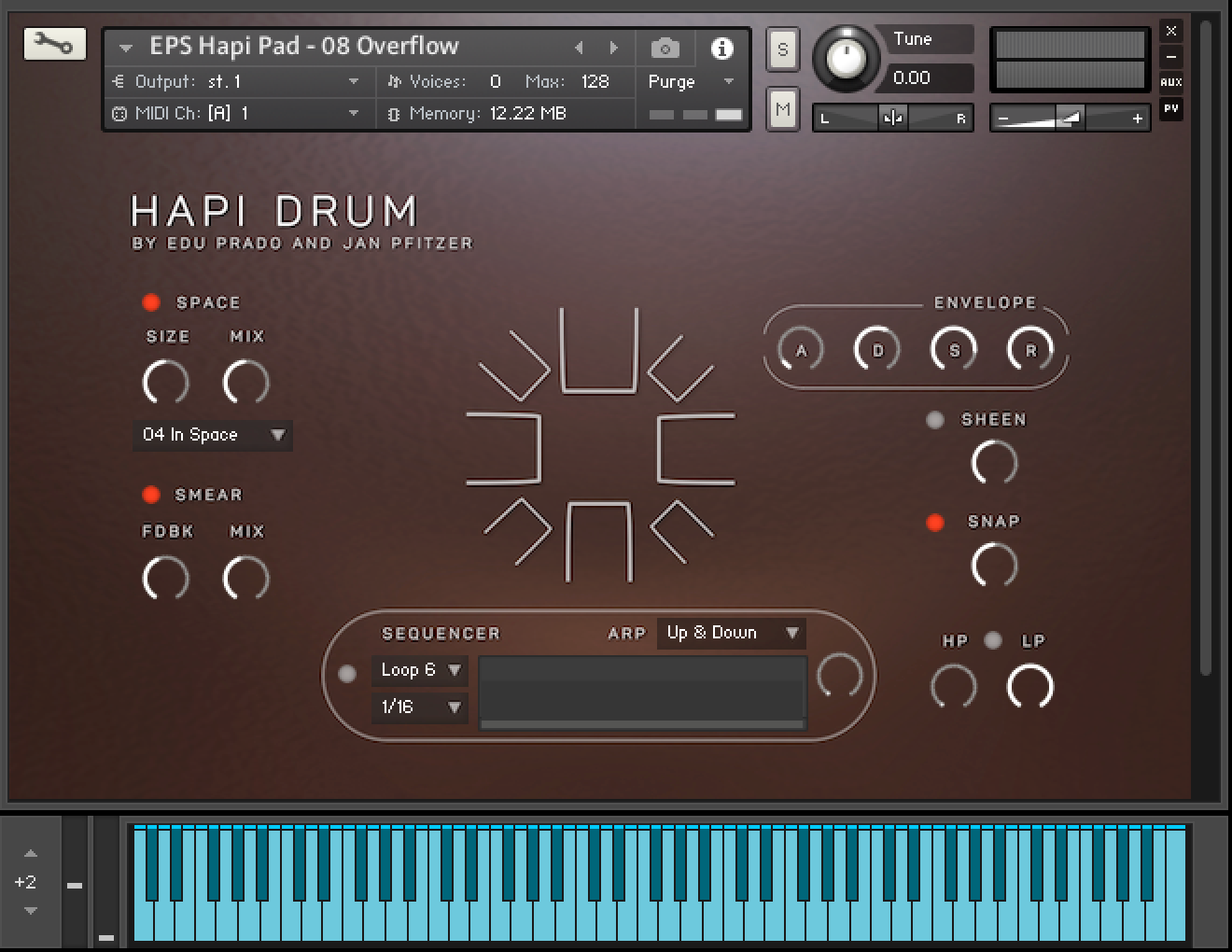
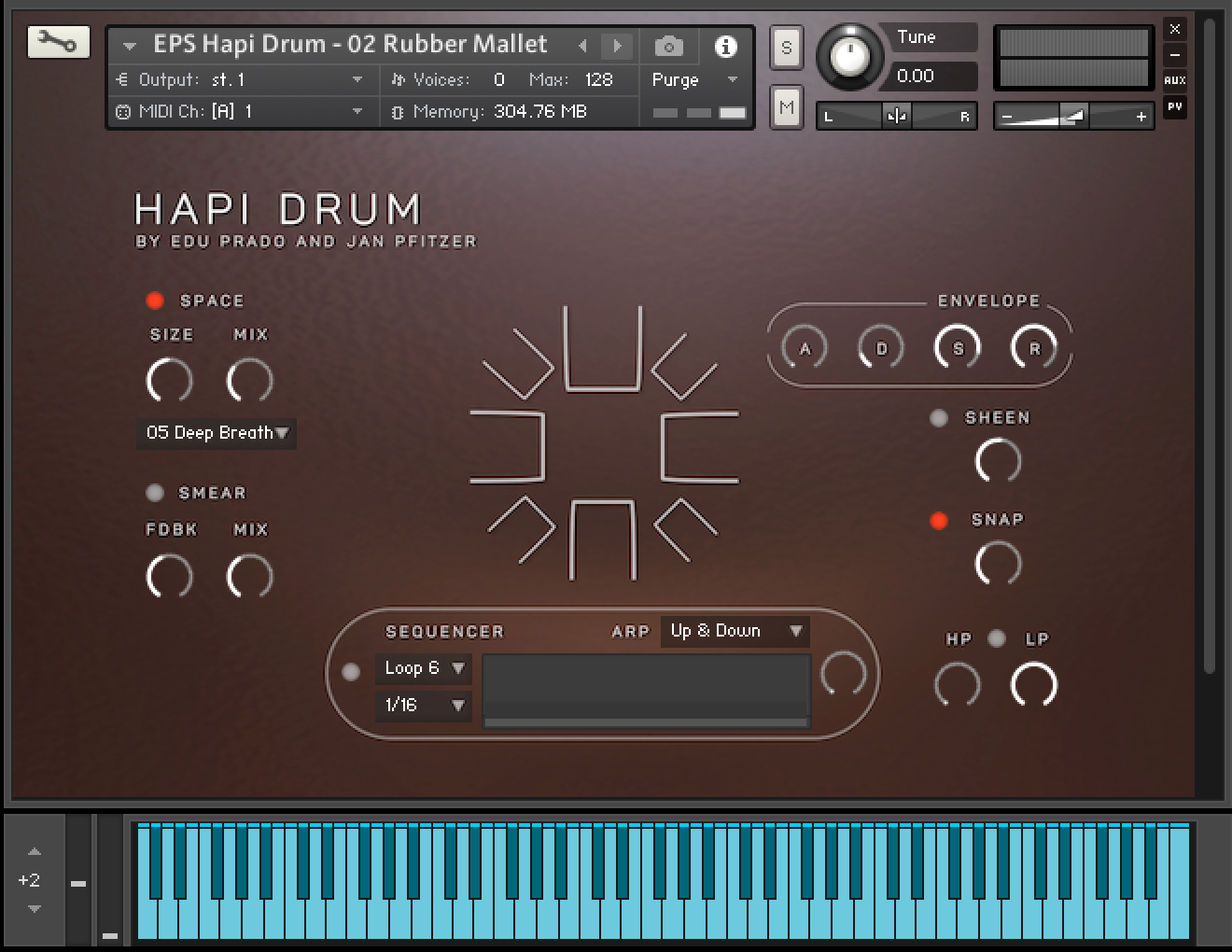
User-Friendly Interface: Designed for intuitive sound shaping, so you can focus on your creativity.
Watch the Hapi Drum walkthrough with Jan Pfitzer:
HAPI Drum Installation:
The EPS Hapi Drum is NKS compatible and is available for Kontakt and Kontakt Player. It comes with a serial number and must be activated in Native Access.
Important note: Before beginning the installation, make sure both Native Access and Kontakt apps are updated.
-
Start Native Access.
-
Open the Preferences and set the Download and Content location for your library.
-
In the bottom left of Native Access, click Add Serial and enter your serial number.
-
Open the Kontakt tab and find your library. It will show an Install button so you can install it directly.
- After you install your library, you can find it in KONTAKT's Libraries. In KONTAKT 8, you can also find the Libraries in the new Library Browser. You can toggle the view with the Library Browser button.
Any questions or issues regarding Native Access, Kontakt or Kontakt Player, you can refer to Native Instruments’ website and support team.
